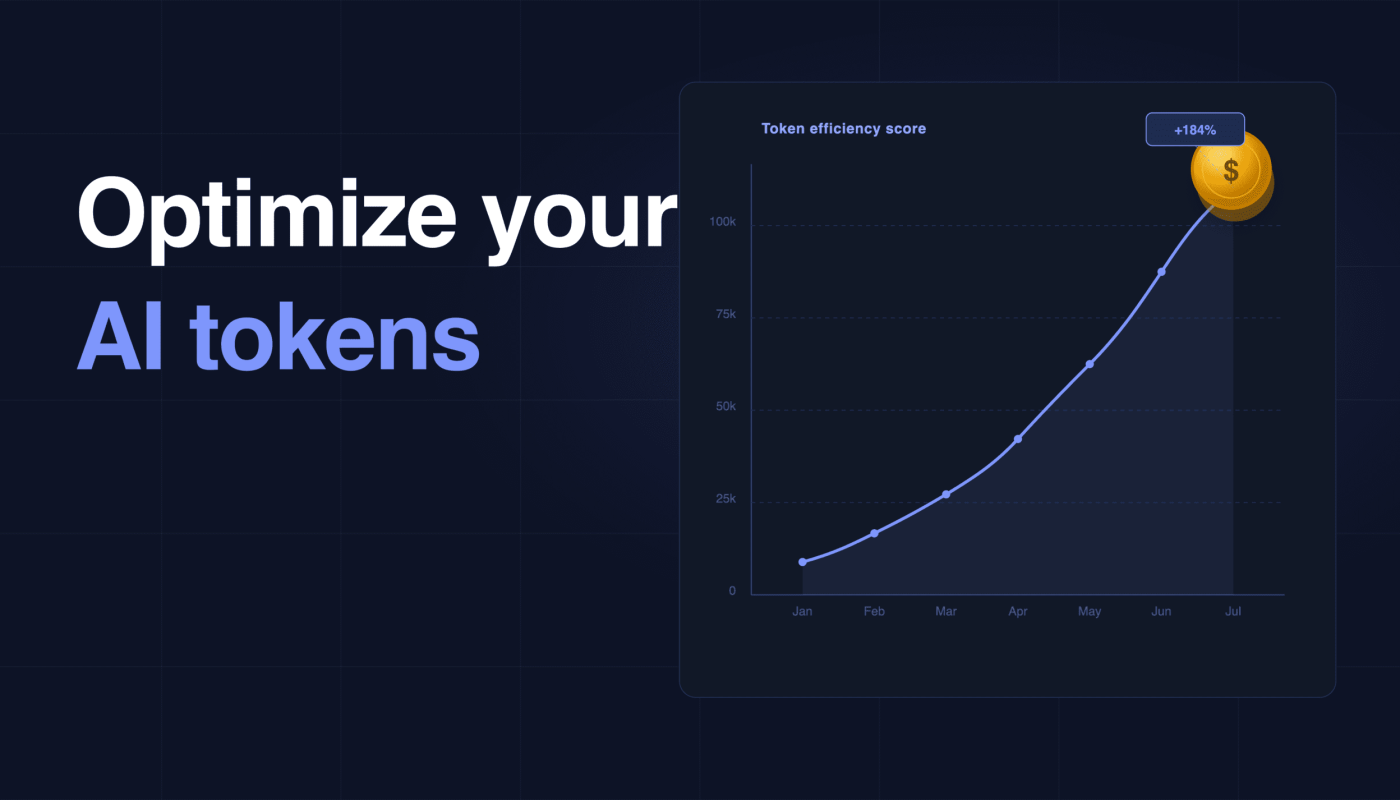
As they race to connect their Amazon data to AI agents, e-commerce professionals also need to master a new skill: token optimization.
Essentially, token optimization keeps brands and agencies from over-spending on their AI use.
As we know, AI agents bring significant time savings across Amazon data analytics, reporting, and deck building—but they have hidden costs that can stack up if you aren’t careful.
Once you connect your Amazon data to an AI agent like Claude, which you absolutely should do, you need to be cautious about how you write and frame your prompts.
In addition to paying for a subscription to an AI agent like Claude, you need to be cognizant of how many tokens you use up.
If you upload massive inputs into Claude, you’ll burn through tokens quickly.
The same is true if you aren’t cognizant about the size of your outputs. Just specifying word count and table limits in your outputs, for instance, can save you a lot of money in the long term.
Here’s how Amazon brands and agencies should be thinking about token optimization.
What is a token in Claude or ChatGPT?
A token is the basic measure of data in Claude and ChatGPT. To process information, AI agents break down data sets or text strings into a series of tokens.
Claude and ChatGPT then charge you for the processing of each of these tokens.
This is true for inputs as well as outputs. If Claude has to read a bunch of long files in order to answer your prompt, then you’ll burn through a lot of tokens.
If your prompt calls for a lengthy output response, meanwhile, you’ll also burn through tokens.
So if you upload a bunch of massive data sets to Claude and ask for analysis, it’s going to get expensive.
Why should Amazon brands monitor token use?
Everyone is racing to connect their Amazon and Walmart data to AI. But not all MCP connections are built the same.
In addition to security and data connectedness, which we’ve written about before, you need to consider each MCP’s token efficiency.
If you aren’t careful, the costs of using so many tokens can add up quickly.
How do Amazon brands maximize tokens with Claude?
Here are a few strategies to consider.
Keep output descriptions tight. Claude is extremely good at analyzing your ads data and figuring out what changed in your account and why.
With a little savvy, you can ask Claude to provide a daily or weekly summary of what changed in your ads account, to be delivered to Slack or email or wherever you work best.
FWIW: We talked about how to use Claude for ads analysis here.
But you need to get in the habit of specifying word count length at every turn. In your instructions to Claude, tell it to keep these summaries short—to, say, 500 words. Otherwise, you’re going to burn through a lot of excess tokens.
Limit the number of rows. A good MCP for Amazon will build in limits on the outputs that Claude generates for you. Intentwise’s AI Gateway MCP, for instance, automatically limits all of Claude’s responses to 50 rows, unless you override it to specifically ask for more.
Let’s say you want to find a list of high-performing keywords where you’re under-spending. Intentwise’s AI Gateway always limits the responses, so your AI agent isn’t overwhelmed with data and doesn’t burn through tokens.
Data connections. If you don’t have a software platform that stitches together your fragmented data sets, you’re going to have to upload a ton of reports to Claude.
Let’s say, again, you ask why your performance changed. Claude will have to sort through several different Amazon reports for you, a process that will take time and could use up a lot of tokens.
This is one reason we recommend using a strong MCP instead of manually uploading files to Claude. Intentwise’s AI Gateway MCP, for instance, uses a powerful data model that finds the interconnections across all of your data, so your AI agent doesn’t have to jump around to find what it’s looking for.
With a good MCP like AI Gateway, your data is unified and easier to navigate. Instead of reading through pages of reports, your AI agent will automatically find the key data points it needs.
This simplifies the input that you give your AI agent. It also means that the output analysis will be more targeted and concise.