



Every day, more brands and agencies are becoming AI power users.
They’re running audits, building decks, writing queries, and taking ads actions directly from Claude, Copilot, or their AI agent.
But to speed up the process, more Amazon analysts need to be embracing Claude Skills.
For those who don’t know, Claude Skills are essentially instruction manuals for Claude, detailing exactly how the agent should complete specialized tasks for your business.
Claude stores the skills you write for in its memory—and you can invoke those skills in a chat anytime, without having to re-explain all of the steps Claude needs to take to complete them.
So if you want to say “Build me a weekly performance deck across Amazon and TikTok,” you’ll trigger the skill you’ve built for weekly performance decks.
Ideally, this means that, from the instructions you wrote into your skill, Claude will already know the layout, structure, color scheme, and metrics for your ideal performance decks.
In other words, you don’t have to re-outline your specifications each time you write a prompt.
How do you create a skill in Claude for your Amazon business?
The best skills involve the projects you complete at a regular cadence.
To identify a potential skill, think of a few prompts you regularly ask Claude, or a few assets, decks, or audits that you regularly request from members of your time.
To create a skill in Claude, click “Scheduled” in the left sidebar, then “New task” and then, in the drop-down, “Set up manually.”
Give the task a unique name, and then write out the skill.
The real trick, of course, is in nailing the instructions. To ensure your skill is effective, you want to try to be as specific as possible, with plenty of context about your brand.
Discuss the metrics you want pulled, the timelines you want (e.g. “last 7 days”), and any specifications around brand style: colors, logos, slide deck structures, etc.
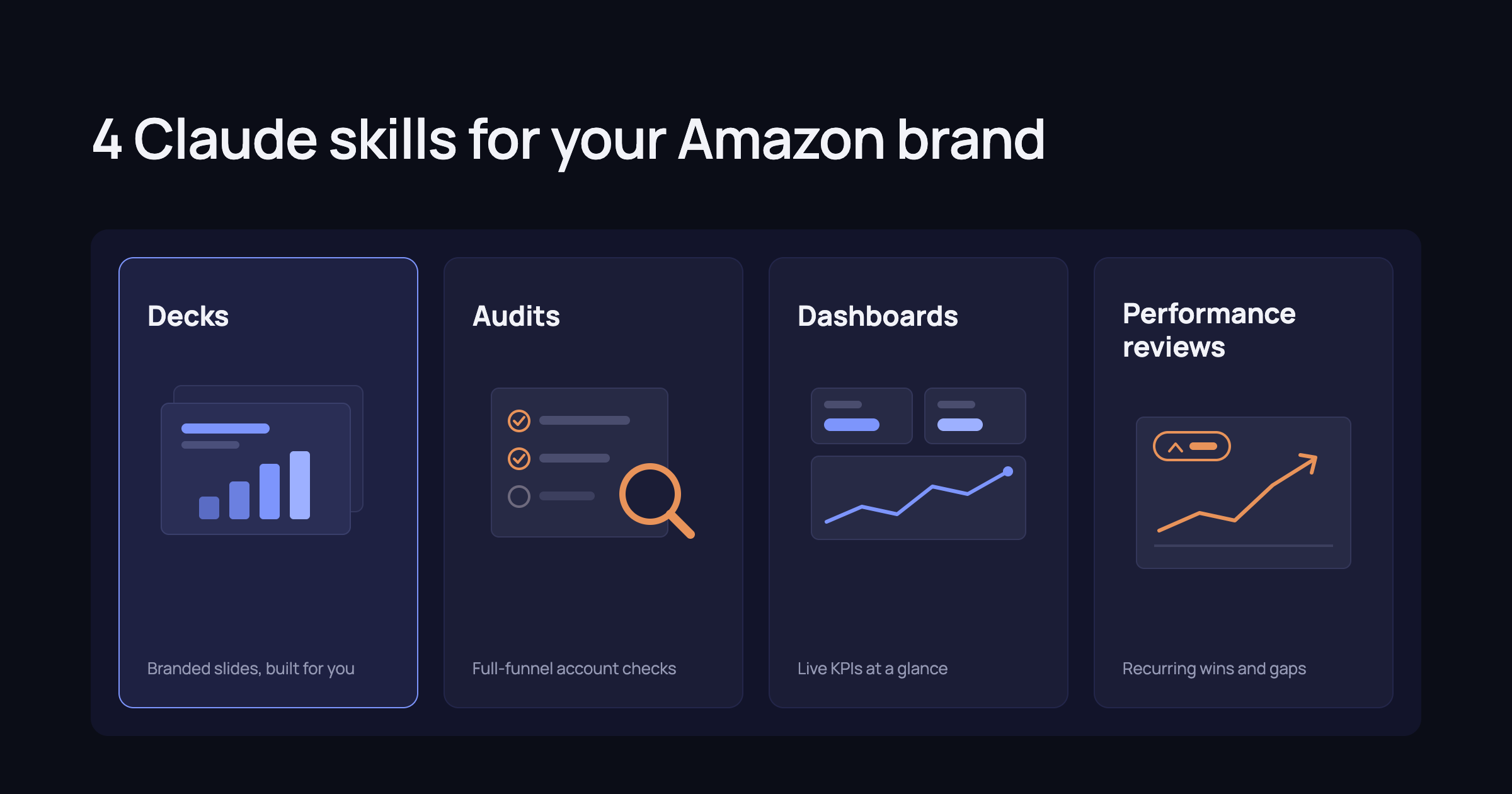
Claude skills every Amazon business should build
Here’s a few basic tasks that you can probably speed up with a Claude Skill.
Run a performance review. Because they can collate information so quickly, AI agents are great at highlighting swings into your metrics.
Let’s say you want a weekly or daily recap of your top metrics—and what changed across them.
You can build a skill that lists out all of the metrics you want Claude to track for you, and give it some guidance about how to highlight the biggest swings.
You can also get really specific about the types of performance swings you want to surface.
Let’s say you want a performance review, but you only need to see significant changes in sales, ROAS, ACOS, inventory levels, etc.
You can write a skill like the following example (note: this assumes you’re a user of Intentwise’s AI Gateway MCP).
Using the Intentwise MCP, account AI Gateway Demo Vendor.
Check for anything that meets the following criteria when comparing last week to the week prior.
1 - Products with a 20% or larger increase or decrease in total sales
2 - Ad Campaigns with a 20% or larger increase or decrease in spend
3 - Ad Campaigns with a 25% or larger decrease in RoAS
4 - Products that are below two weeks of cover (calculate by comparing last week sales and current stock level)
Send the findings to me as a personal DM using the Slack MCP.
Run an audit. You can also teach Claude to pinpoint gaps or oversights in your account structure.
Where are you under-utilizing certain advertising types? Where are you missing key targeting opportunities?
Ask Claude to find the Sponsored Products keywords that are missing from your Sponsored Brands campaigns, and then narrow down to find the highest-performing SP keywords you’re missing in SB.
Or maybe have Claude look out spend gaps between your offensive and defensive product targets, new placement type opportunities, or out-of-budget campaigns.
Make a list for Claude of the types of account structure questions you want to track, and it can automatically deliver these results for you at the interval of your choice.
Build a dashboard. One of the great things about AI is that you can use it to build any dashboard you like, of whatever performance view you’ve dreamed of.
Whereas before, a bespoke dashboard would have taken days of coding and troubleshooting, your AI agent can build it for you in seconds.
Want to see how your Subscribe & Save revenue has fluctuated over time? Want to compare your LTV-to-CAC ratio? These are all complicated data points that Claude will be able to build for you, with the right instructions.
Create a performance deck. You can also automate the performance decks that you share with your teams—or, if you’re an agency, your clients—on a weekly or monthly basis.
To get the most out of deck-building skill, try to think as specifically as possible about what you want that deck to look like.
Plan out the number of slides, the layout of the cover image, the color schemes and other aesthetics, the number of images per slide, and, of course, which topics and metrics each one should include.
We recommend using a favorite slide deck as a template, so you can give Claude a close example of what you want to mimic. For more on how to automate deck builds, check out our whitepaper.